.svg)

.svg)
.svg)

🇺🇸 22 Boston Wharf Rd, Boston, MA 02210
🇬🇧 2 Pear Tree Court, London EC1R 0DS
© 2026, Juro. All rights reserved.


🇺🇸 22 Boston Wharf Rd, Boston, MA 02210
🇬🇧 2 Pear Tree Court, London EC1R 0DS
© 2026, Juro. All rights reserved.

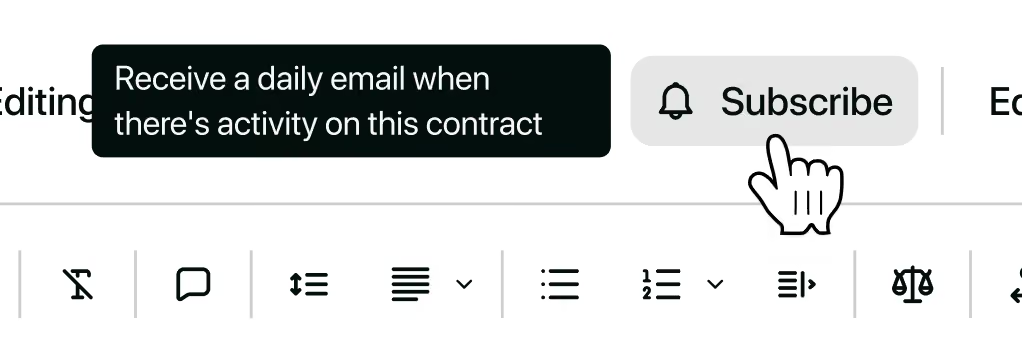
You can now subscribe to contracts you don't own and receive activity updates in a daily digest email. An email will be sent out at 5pm GMT consolidating updates across your subscribed contracts to give you a quick daily overview.
Need a break from emails? Toggle daily digests off in notification settings while keeping your subscriptions intact.
To get started, open any contract and click Subscribe in the top toolbar.
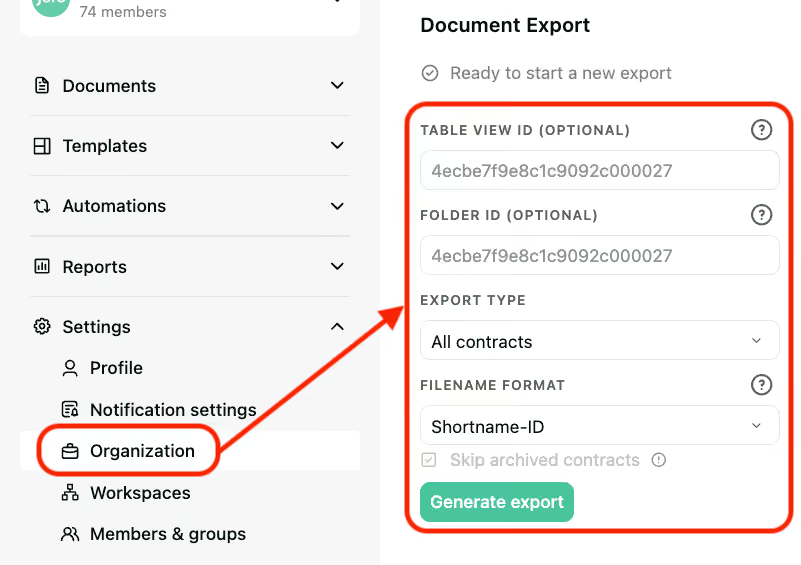
Organization Admins can now self-serve document exports in Juro. They are now able to download any contract from the repository as a PDF file. This can be enabled on a time-limited basis when you submit a request to our Support team.
Previously, exports were processed manually by our team. Now, during your access window, you can initiate exports yourself with files delivered straight to you.
Organization Admins can now quickly export a CSV of all users across their organization, including associated permissions/roles and workspace access.
This is particularly helpful for:
Previously, this required manual support from our team. Now, Organization Admins can self-serve with a single click directly from the “Members & Groups” area in Juro.
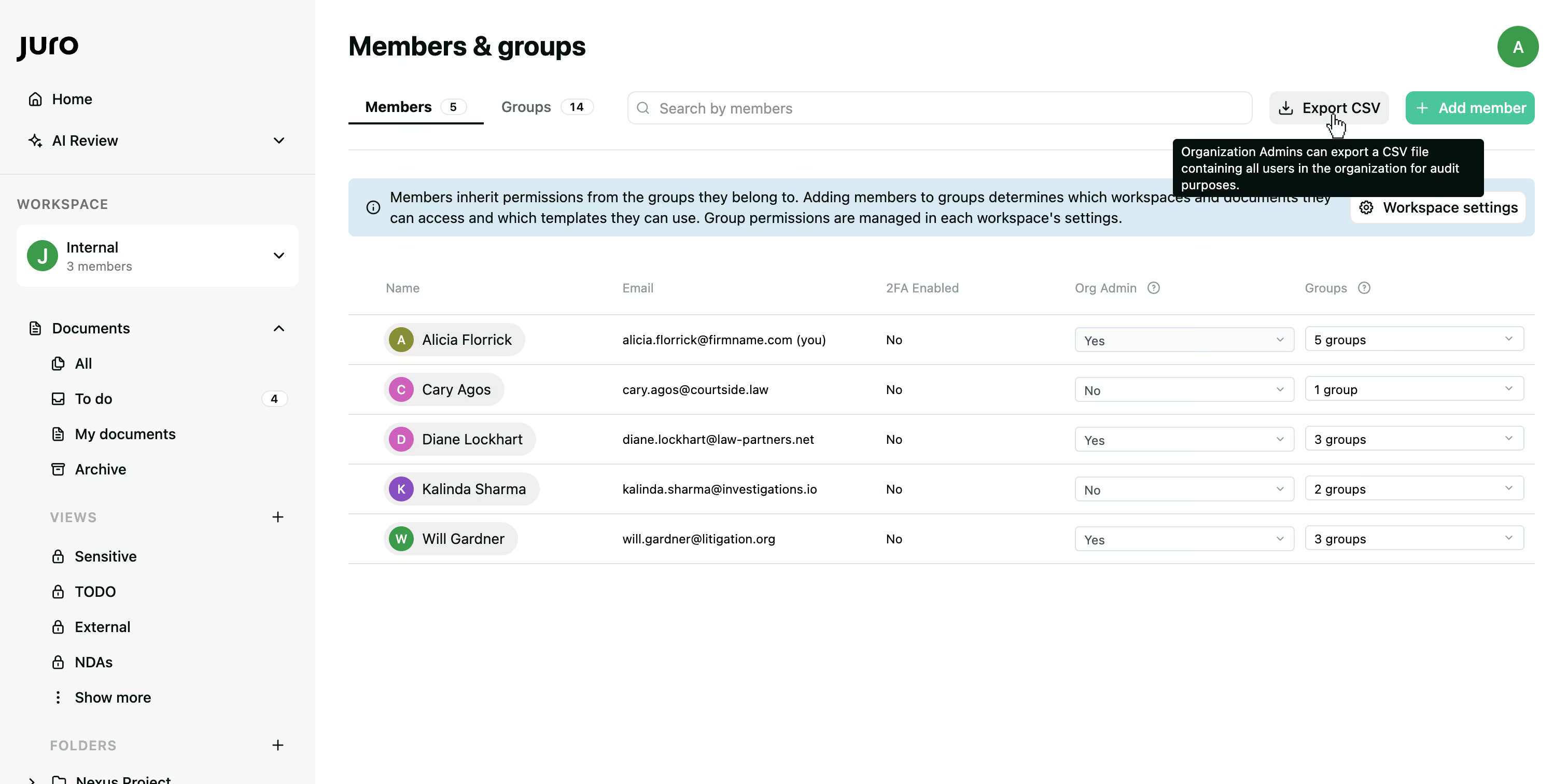
Once generated, the CSV provides a structured overview of users, roles, and workspace access - making access management and auditing significantly simpler.

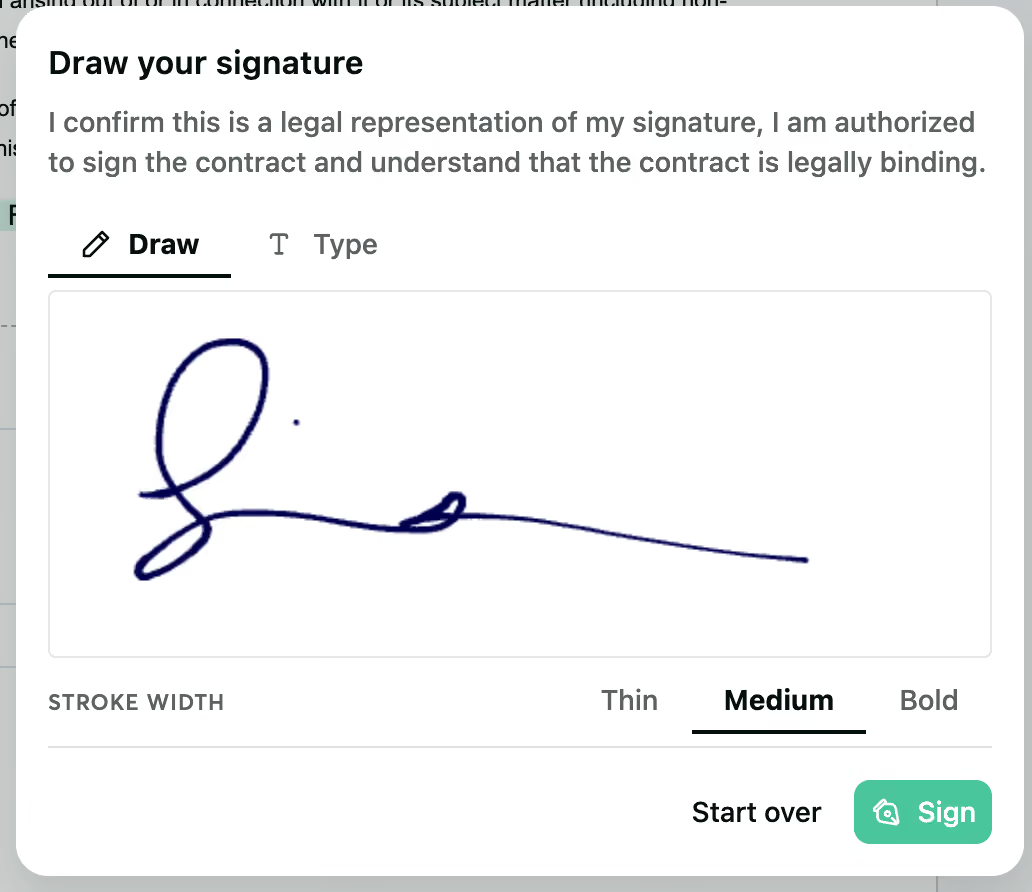
You can now select thin, medium or bold width when adding your signature.
To change the signature width, just click 'Start over' and you can select the new style.
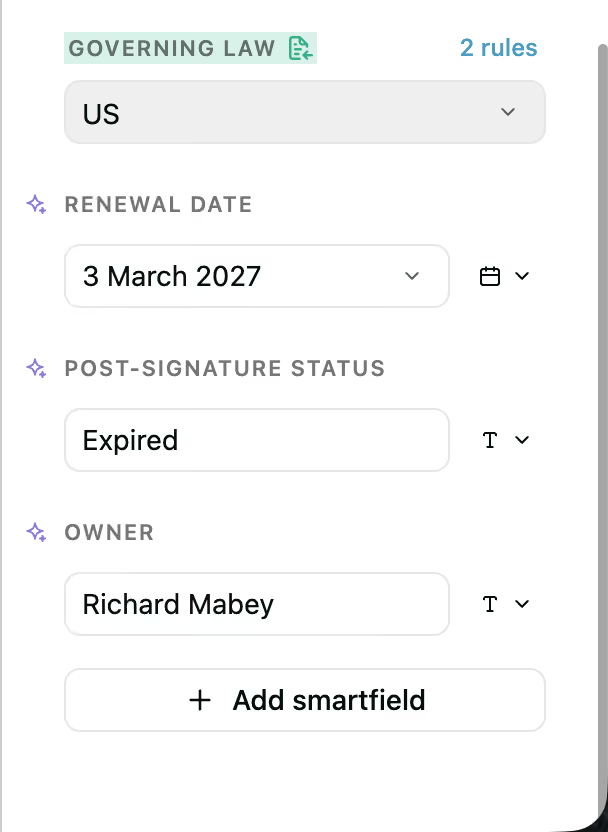
Smartfields can now be edited post-signature, meaning you can keep better track of smartfields for reporting once a contract is signed.
You can now add post-signature smartfields to your templates, such as:
This can help keep your reporting consistent over time and as changes occur.
Please note, there are some exceptions where smartfields cannot be changed post-signature. Namely in the following cases:
Contact the Juro customer team to explore your new features in more depth. If you're new to Juro, use the form below to book your demo and try these features for yourself.