.svg)

.svg)
.svg)

🇺🇸 22 Boston Wharf Rd, Boston, MA 02210
🇬🇧 2 Pear Tree Court, London EC1R 0DS
© 2026, Juro. All rights reserved.


🇺🇸 22 Boston Wharf Rd, Boston, MA 02210
🇬🇧 2 Pear Tree Court, London EC1R 0DS
© 2026, Juro. All rights reserved.
.avif)
Contracts rarely exist in isolation. Tag, link, and organize them to get a full overview:

With a view of contract relationships at a glance, you can see how terms have changed over time and speed up audits.
Read our article on related documents.
We know instant redlines aren't always the answer. Some documents, like PDFs, can't be marked up. Sometimes you'd rather redline yourself, or just want to know how risky a contract is before deciding where to start.

Upload a PDF or Word file to Operator and ask it to review the document against a playbook, or run a general red flag check.
You'll get a table of risky clauses, grouped by risk level, with the standard each one deviates from.
Learn more about risk reviews.
Give Operator one instruction and it works out the steps. It uses the details you've given, fills in what it can, and only asks about what it doesn't know.
It can also draft straight from a prompt, using context from documents already in Juro.
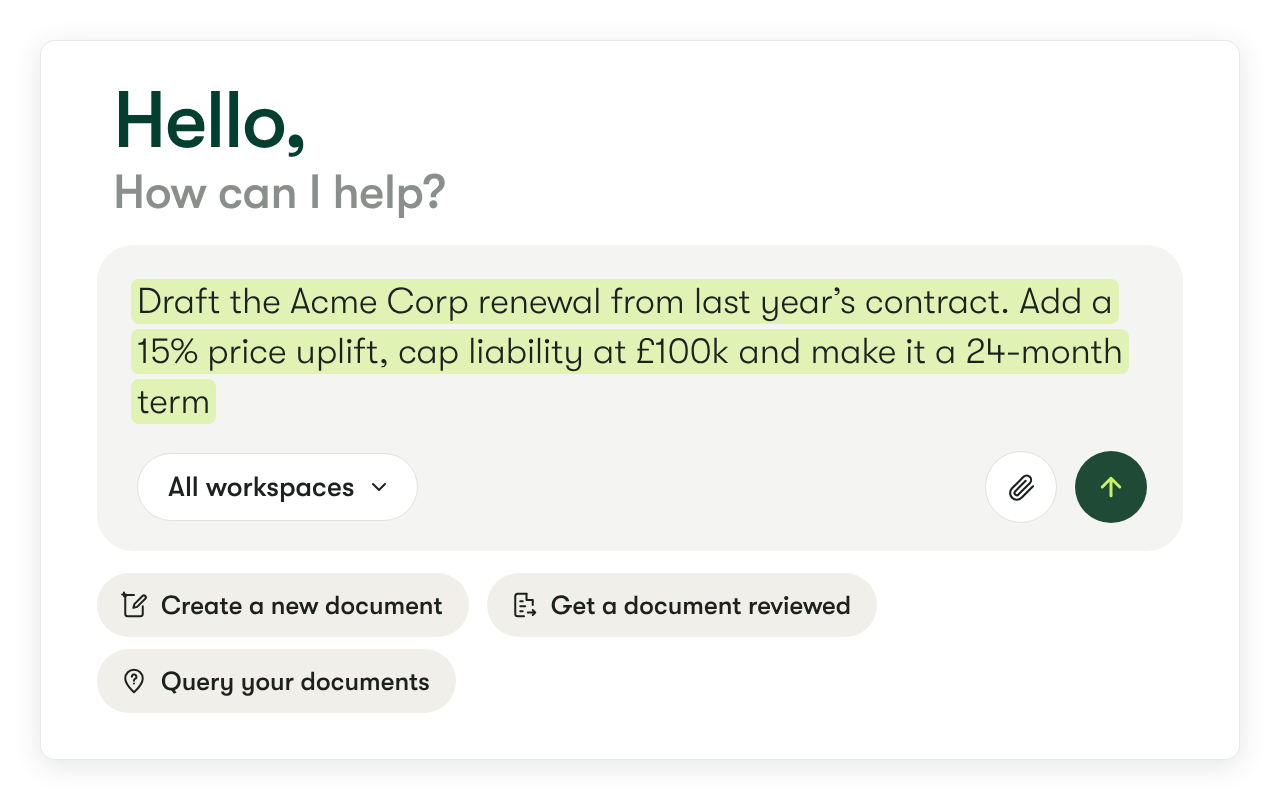
Operator can:
For example, ask it:
"Draft an amendment to our Acme Corp contract with a 24-month term and fees increased by 15 per cent."
Operator will find the original contract, pull in its details, draft the amendment, and ask you for anything that's missing.
A smarter Operator means you spend less time drafting and chasing details across contracts.
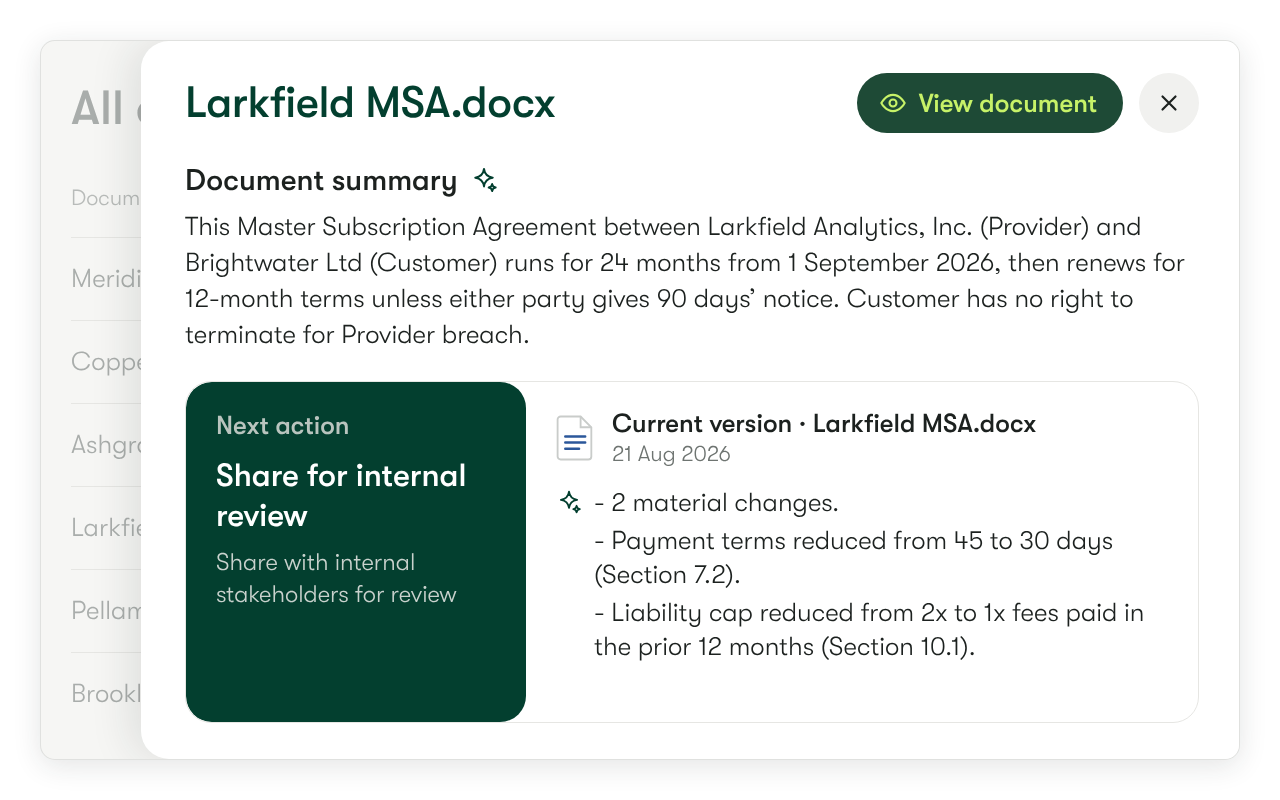
The summary page gives you an AI overview of the whole document, with details on key dates, terms, and parties.
A version summary also shows what's changed and which threads or comments are still open, so you can pick up a negotiation without rereading the file.
Connect Juro to Copilot using MCP so you can work with contracts without switching tabs.
From Copilot, you can:
Connect Juro to Copilot with our setup guide.
When you negotiate in Word, Juro uploads each new version as it's sent back and updates the contract record.
All you need to do is CC the workspace address.
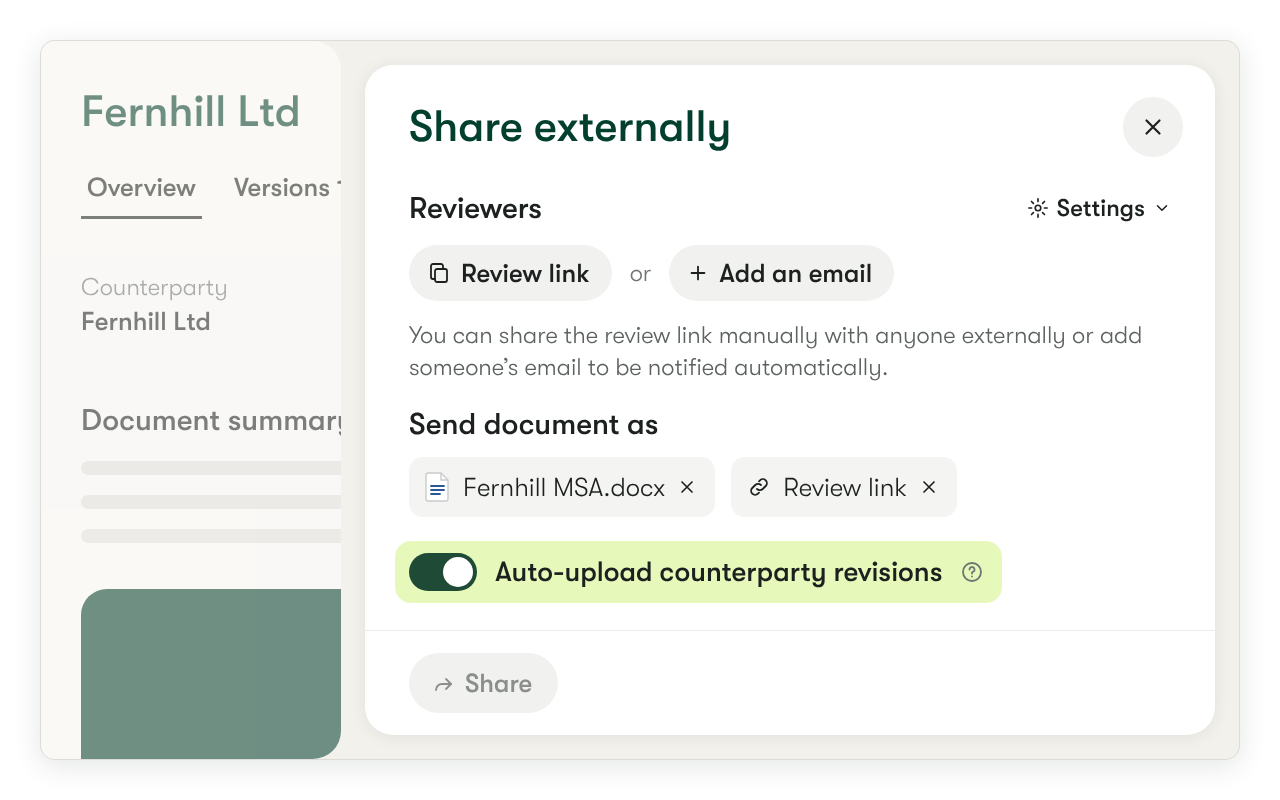
There are two ways to do this:
Juro then tracks each attachment and creates a new version when it detects changes, so the record stays up to date without manual uploads.
Find out more about version tracking.
Contact the Juro customer team to explore your new features in more depth. If you're new to Juro, use the form below to book your demo and try these features for yourself.