
New in Juro
September 2026
< View all updates >

New in Juro: Draft with AI, smarter status tracking, and more!

It's been a huge September at Juro. You can now ask Operator, Claude, or ChatGPT to draft NDAs, order forms, and more using Juro templates. Also, we've built new summary page for tracking contract status and versions, plus more controls over what counterparties can see and do.

Inside

Agree contracts anywhere

Juro powers 2.5 million contracts for the world’s fastest-growing businesses.
Get a demo

Create and update contracts in Operator

We've made another part of the contracting process available through Operator. To get started:
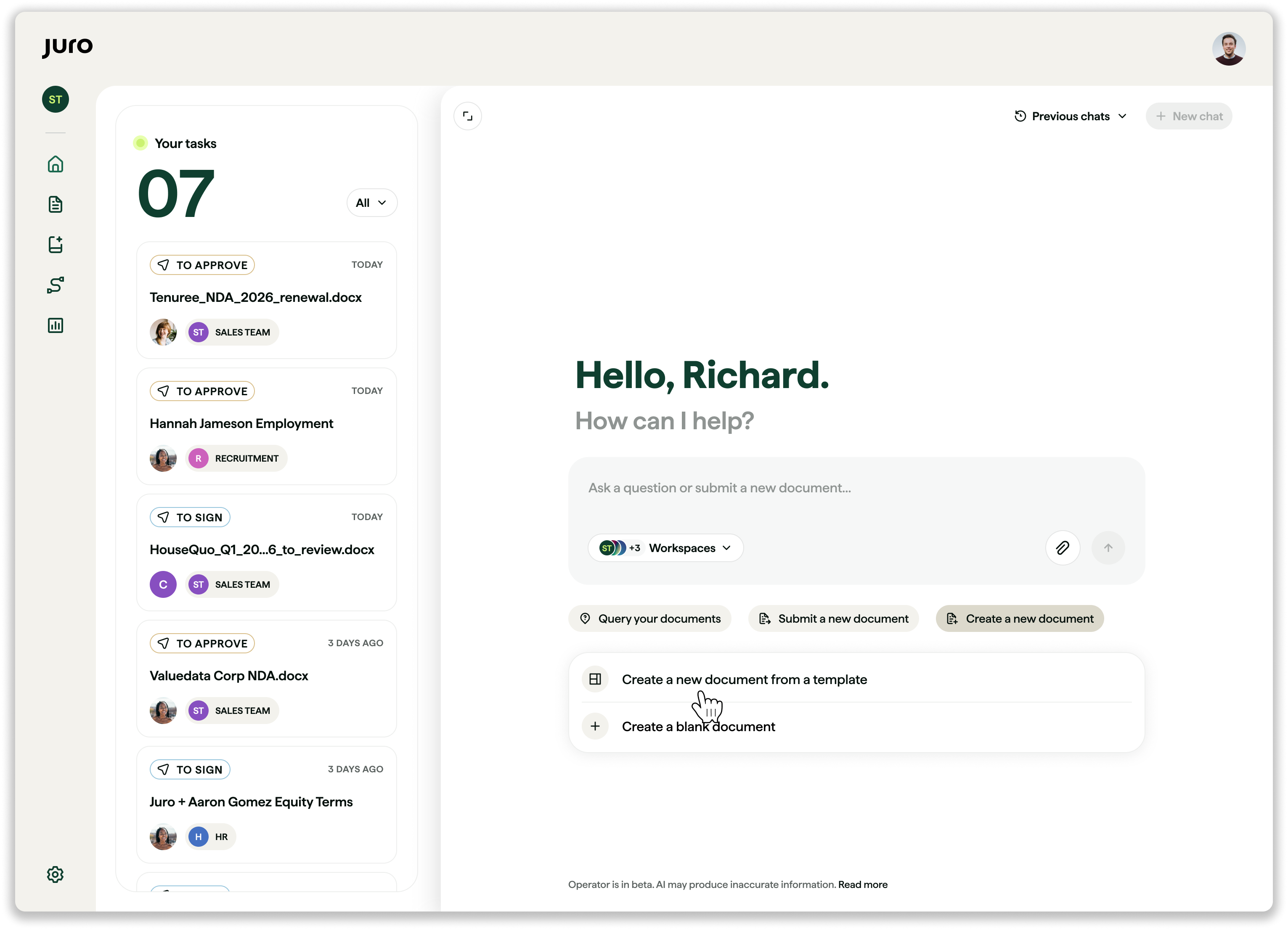
  • Ask Operator to create a contract from a template, using the default prompt or your own
  • Choose the template and workspace you need
  • Fill in the required answers and smartfields
  • Edit the contract where needed, and Operator will update it

Coming soon: ask Operator to make a contract from scratch, no template needed.

Contract status at a glance

We've launched a summary page giving you key contract info all in one place.
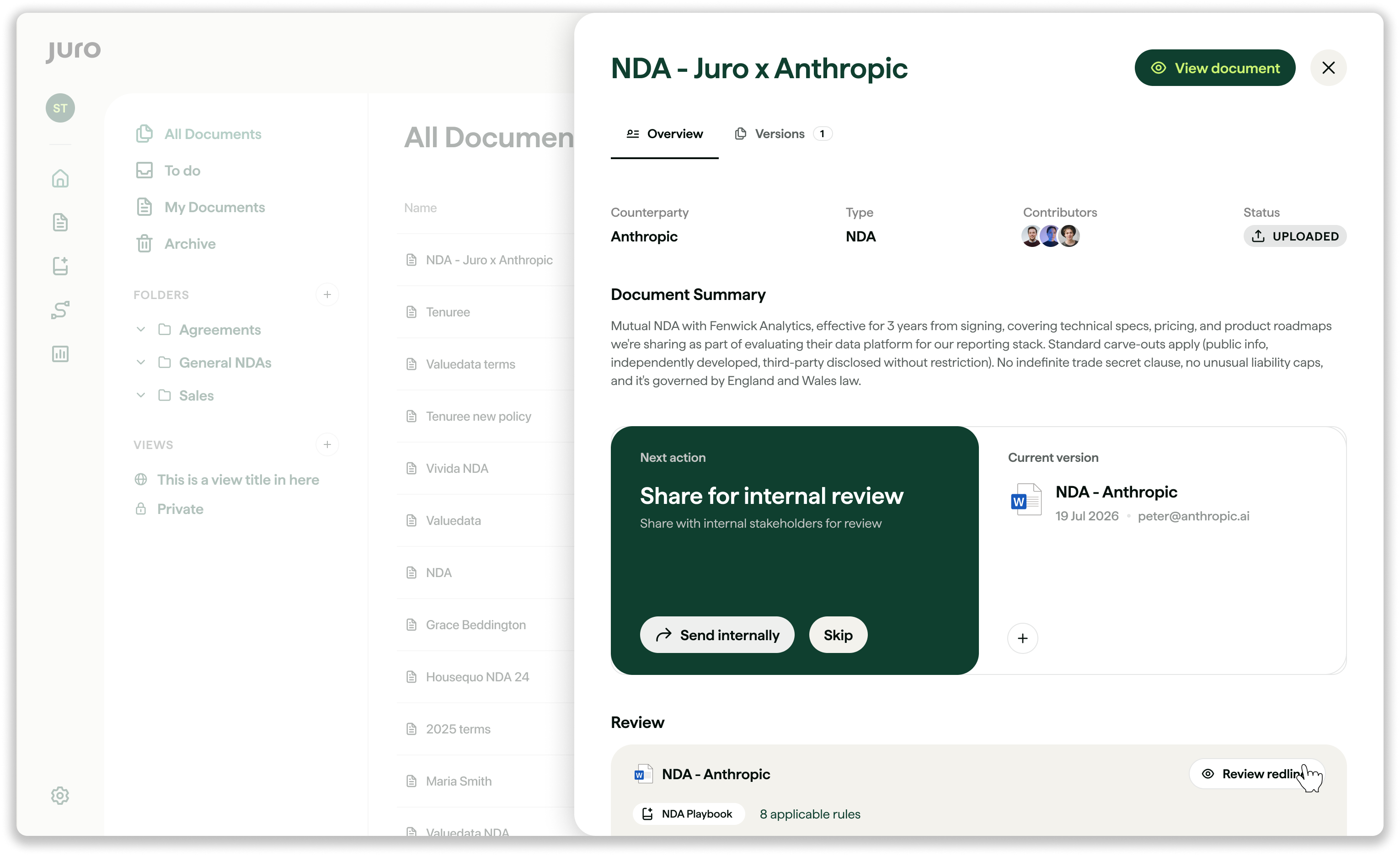
Here you can:

  • Track when it was created, who's received it, and what's happened so far
  • Get a suggested next action and take it without opening the editor
  • Know who you're waiting on and send a reminder
  • See full history and get an AI review

You'll get all of these benefits, whether you're negotiating in Juro or Word.

Want to find out more? Check out this help center article.

Draft contracts from your favourite AI tool

If you've set up an AI connector, Claude or ChatGPT can draft and edit contracts for you:
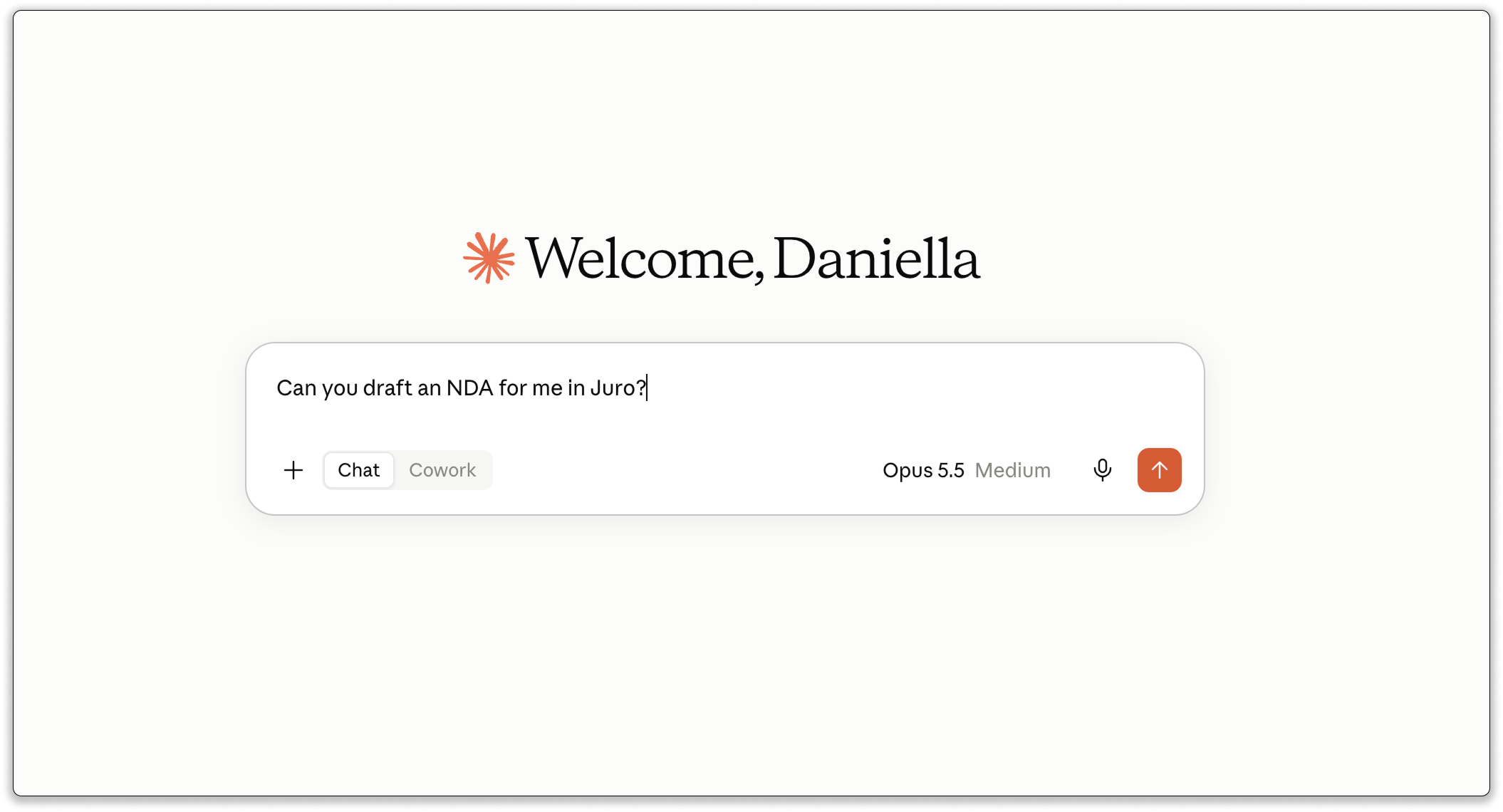
  • Tell it which template to use, and update smartfields without leaving the chat
  • If you've set up template Q&A: AI will ask the required questions, then work out which conditional fields need more input
  • If you haven't set up Q&A: AI will ask for counterparty details and draft straight away
  • If you prefer to answer every field up front, tell it to remember that

Need help setting up? Learn how to connect Juro to Claude and ChatGPT.

Get tighter controls over external signing

Pre-assign external signatory names

Before sending for eSignature (either in Juro or DocuSign) you can now define who's signing. As a bonus, this unlocks qualified electronic signature in DocuSign.

Set expiry dates on signing links

For agreements where timing matters, set an expiry date and enforce deadlines.
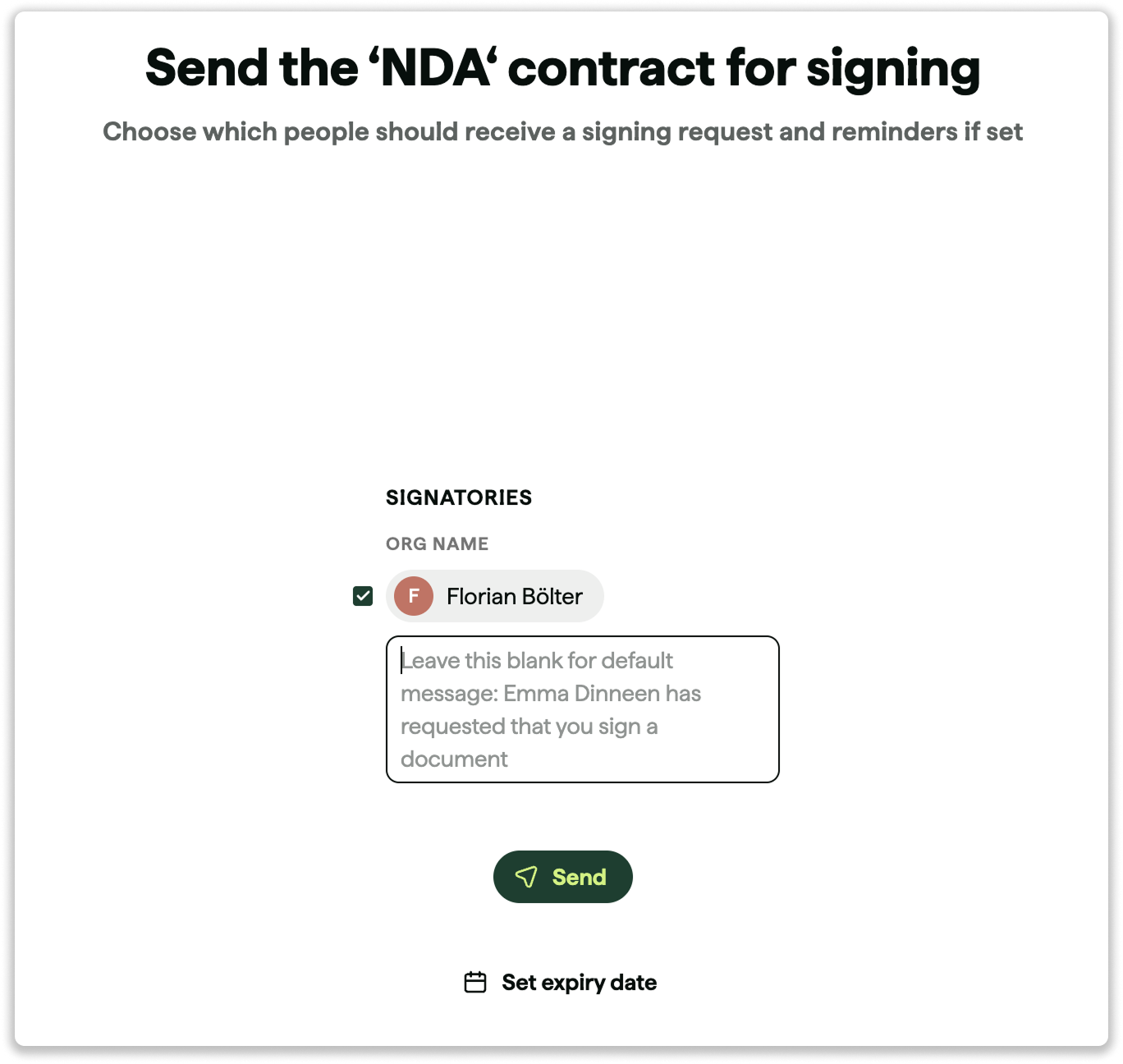
  • Toggle the expiry date on before you hit send
  • Once the date passes, the signing link deactivates
  • A flag next to the counterparty's name shows if there's an expiry date
  • To re-send, toggle expiry off or update it to a future date
  • This only applies to external signatories – internal signatories can still sign after expiry

Smartfield placeholders for counterparties

Make partially filled contracts easier to read by letting counterparties see placeholders instead of empty space. Available in both Juro files and PDF downloads.

Use Juro's AI with confidence

We've made improvements to AI extract and Operator:

  • Outputs across both tools are more accurate, complete, and consistent
  • Operator can now query more of your contract data, including activity, statuses, attachments, and folders

‍

Contact the Juro customer team to explore your new features in more depth. If you're new to Juro, use the form below to book your demo and try these features for yourself.

Instantly book a personalized demo

  • Schedule a live, interactive demo with a Juro specialist
  • See in-depth analysis of your contract process - and tailored solutions
  • Find out what all-in-one contract automation can do for your business
From 200+ independent reviews
To learn more about the use of your personal data, please consult our readable Privacy Policy.