




.svg)

.svg)
.svg)

🇺🇸 22 Boston Wharf Rd, Boston, MA 02210
🇬🇧 2 Pear Tree Court, London EC1R 0DS
© 2026, Juro. All rights reserved.


🇺🇸 22 Boston Wharf Rd, Boston, MA 02210
🇬🇧 2 Pear Tree Court, London EC1R 0DS
© 2026, Juro. All rights reserved.

Every financial audit eventually leads back to contracts. Who approved this agreement? When was the payment term changed? Which version did the signatory actually sign? If your team struggles to answer those questions quickly and confidently, your contract audit trail is doing you a disservice.
This article explains what a contract audit trail is, what it should capture, and how the right tooling saves finance teams from the manual reconstruction work that slows down audits and exposes businesses to unnecessary risk.
A contract audit trail is a chronological record of every action taken on a contract from creation to signature and beyond. It captures who did what, and when — giving finance, legal, and compliance teams a verified account of how each agreement reached its current state.
That record might include the first draft being created from a template, a clause being amended during negotiation, an approver signing off at a specific time, and a signatory executing the final version. Individually, each data point is a timestamp. Together, they form an evidence trail.
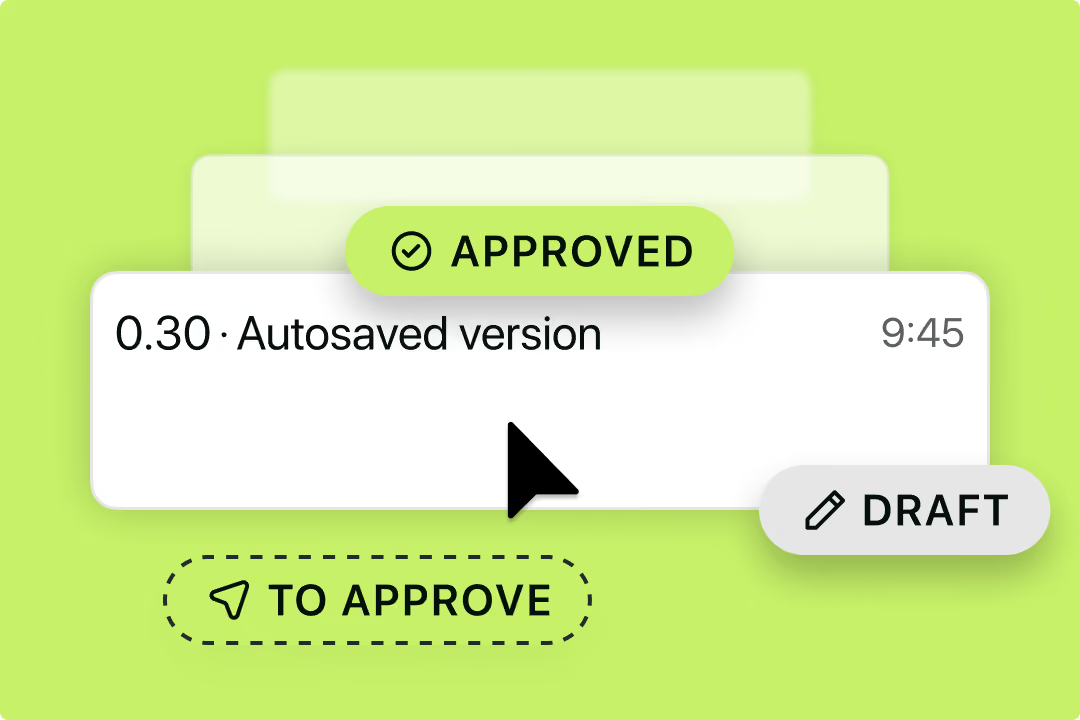
Contracts are financial commitments, and financial commitments need a paper trail. When an auditor asks who approved a payment term, or a counterparty disputes what was agreed, the audit trail is what settles the question.
Without one, answering basic questions means reconstructing approval chains from email threads, tracking down the right signed version from a shared drive, and working out whether a clause was always there or crept in during negotiation. With one, the answers are already there.
Beyond day-to-day operations, there are specific compliance and governance contexts where a reliable audit trail stops being good practice and becomes a hard requirement.
Not all audit trails are created equal.
A basic version log tells you a document was changed. However, a robust contract audit trail tells you who changed it, what they changed, why it moved to the next stage, and whether the right people were involved at each step.
Specifically, a comprehensive audit trail might record:
Every substantive change to contract language — including the identity of the person who made it and the time it was made. This matters when a payment term shifts between draft one and execution, or when a liability cap is altered during negotiation.
This sounds obvious, but it's what prevents the common situation where a payment term looks different at execution than it did at first draft, and nobody can work out when it changed or who changed it.
This provides business-wide accountability for contracting at every stage and encourages more intentional decisions.
When a contract was submitted for approval, who it was routed to, whether it was approved or rejected, and any comments added during review. Multi-level approval workflows should be traceable step by step.
When this is logged automatically, your team stops spending time chasing approval confirmations over email. The record is just there.
Better yet, contract management solutions like Juro can automate approval workflows, including conditional approval workflows, ensuring that the right person is always asked for their approval at the right time (and only when it's truly required).
The name and email address of each signatory, the date and time of execution, the IP address or device information captured at signing, and confirmation that the final document reflects what was agreed.
If a question ever arises about whether a contract was properly executed, a complete signature record makes it easy to resolve quickly rather than getting drawn into a lengthy back-and-forth.
This is also a great way to ensure the signatory had authority when signing.
For anyone managing a deal, this is practical intelligence: if a counterparty hasn't viewed the agreement, that's your prompt to follow up. If they have, you can time your next touchpoint accordingly rather than chasing blind.
It also helps internally — knowing whether the right stakeholders have actually reviewed a contract before it goes to signature is useful when approval workflows need to move quickly.
Transitions between draft, under review, pending signature, executed, and expired. Each transition should carry a timestamp and the identity of whoever triggered it.
A log of status changes is useful for compliance, but it's also what powers a live view of your contract pipeline. In Juro, this feeds into a kanban-style board where you can see at a glance which contracts are stalled in review, which are waiting on a signature, and which have gone quiet.
Instead of chasing people for updates, the status history tells you exactly where to look and who to nudge.
If you're evaluating CLM platforms with audit trail requirements in mind, a few capabilities are worth prioritizing.
1. Tamper-proof logging. The audit trail should be immutable, meaning it cannot be edited, deleted, or reordered after the fact. This is what makes it useful as evidence rather than just a convenience feature.
2. Granular action capture. Look for a system that records individual field-level changes, not just document-level events. Knowing that a payment term was changed is more useful than knowing "the contract was edited."
3. Approval workflow traceability. The audit trail should capture the entire approval chain, not just the final sign-off. That includes any rejections, escalations, or re-submissions that occurred along the way.
4. Signatory authentication. eSignature events should include verification data — timestamps, email addresses, and where applicable, IP addresses or authentication methods used by signatories.
5. Search and export. For audit purposes, being able to filter and export audit trail data by date range, contract type, or individual is important. A log that exists but cannot be easily surfaced has limited practical value.
6. Role-based access controls. The audit trail itself should be visible to authorized users — such as finance leads and compliance teams — without requiring those users to have edit access to the underlying contracts.
Juro is an AI-native contracting system built to give lean legal and finance teams visibility and control over the entire contract lifecycle. Every contract managed in Juro carries a full, tamper-proof audit trail covering edits, approvals, and signatures, all captured automatically and without the need to assemble them manually.
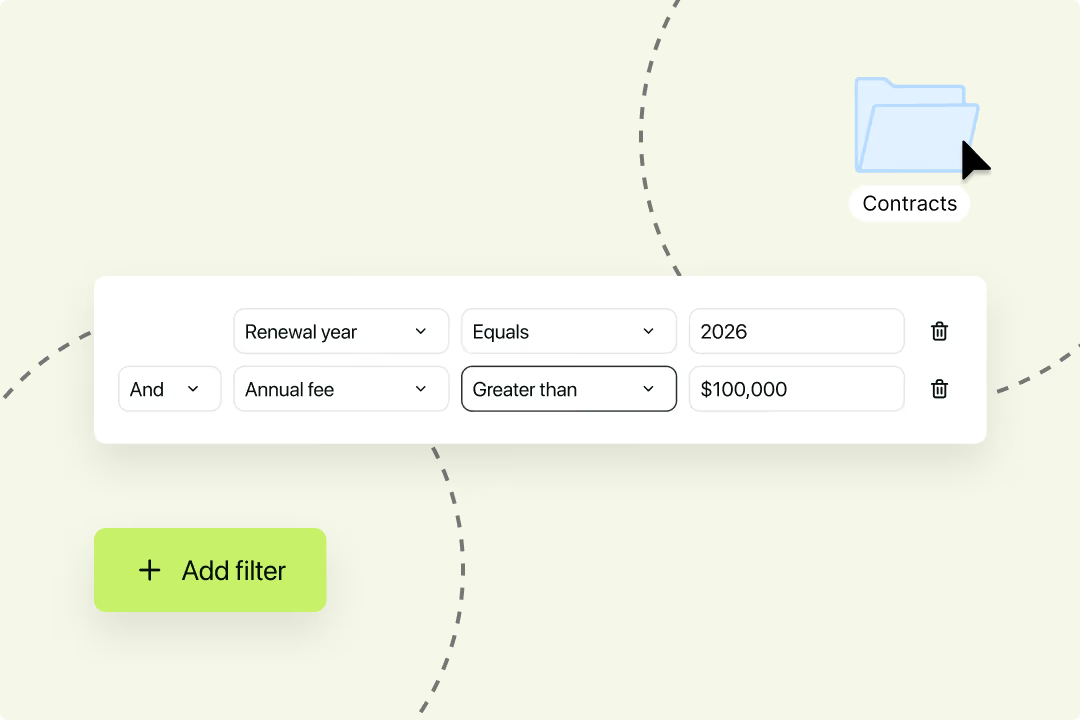
Juro then brings all executed contracts into a single, searchable contract repository. Juro's AI Extract capability pulls structured data from contracts, so finance teams can run reports on key dates, obligations, and commercial terms without digging through documents manually.
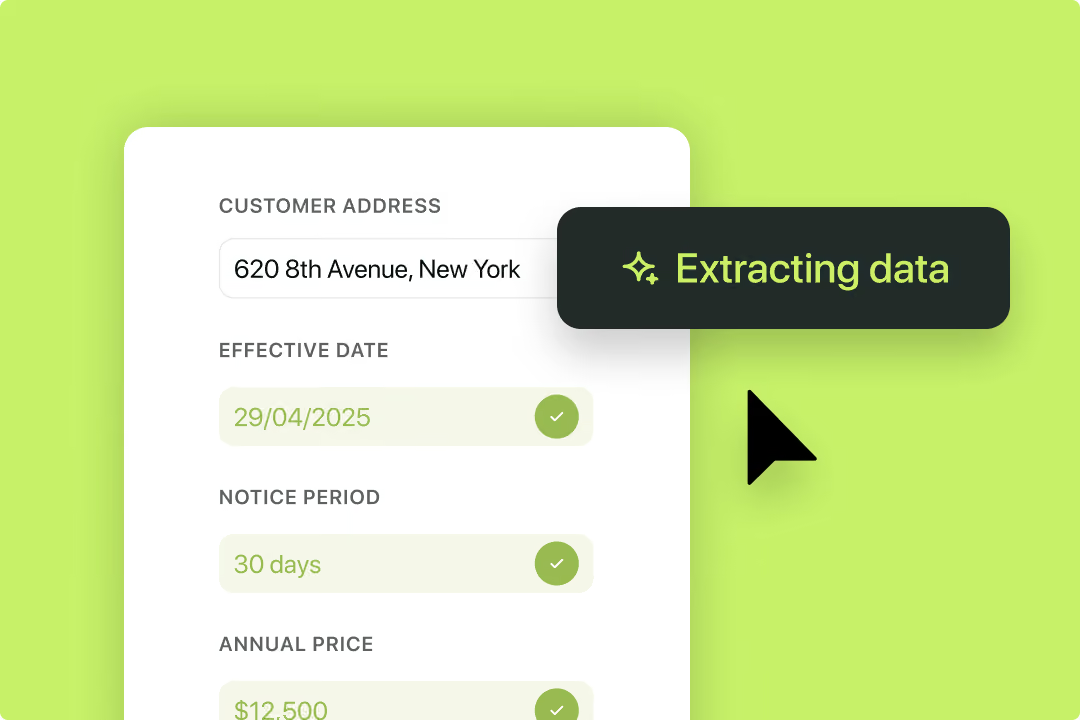
Users can set up automated contract reminders to surface upcoming key dates before they create problems, and native eSignature captures verified signature events with the authentication data an auditor would expect to see.
For finance teams that currently reconstruct contract history from email threads and shared drives, this represents a meaningful shift from reactive evidence gathering to a system where the audit trail is ready before the question is asked.
If your team is still piecing together contract history from email threads and shared drives, there's a better way. Juro gives finance and legal teams a full, tamper-proof audit trail on every contract, with the visibility and controls to stay audit-ready without the manual work. Book a demo to see how it works.

How long audit trails should be kept depends on contract type, jurisdiction, and industry. Employment contracts and agreements involving personal data often carry specific requirements. Check with your legal counsel for what applies to you.
Yes, in most jurisdictions, provided the system producing them is reliable and the records can be shown to be tamper-proof. Frameworks like the US ESIGN Act and EU eIDAS specifically address the admissibility of electronic contract records.
It depends on the contract. Legal teams generally have broad visibility across the repository, with some exceptions. Finance leads need access to the data relevant for auditing and reporting. But some contracts are sensitive, and access should reflect that. Fortunately, Juro's contract permissions functionality makes this effortless.
Version history records what changed in a document. An audit trail records who did what and when: approvals, rejections, signatures, access events. For compliance purposes, you need both.
It supports compliance by evidencing that your approval controls were followed in practice. For material contracts, SOX requires demonstrable financial controls, and an audit trail provides that evidence for contract approvals. It's one part of a broader compliance picture, not a complete solution on its own.
Lorem ipsum dolor sit amet, consectetur adipiscing elit. Suspendisse varius enim in eros elementum tristique. Duis cursus, mi quis viverra ornare, eros dolor interdum nulla, ut commodo diam libero vitae erat. Aenean faucibus nibh et justo cursus id rutrum lorem imperdiet. Nunc ut sem vitae risus tristique posuere.


Hello. We are Juro Online Limited (known by humans as Juro). Here's a summary of how we protect your data and respect your privacy.



