


.svg)

.svg)
.svg)

🇺🇸 22 Boston Wharf Rd, Boston, MA 02210
🇬🇧 2 Pear Tree Court, London EC1R 0DS
© 2026, Juro. All rights reserved.


🇺🇸 22 Boston Wharf Rd, Boston, MA 02210
🇬🇧 2 Pear Tree Court, London EC1R 0DS
© 2026, Juro. All rights reserved.

Dropbox Sign (formerly HelloSign) is a popular tool for eSignatures, but it fails to account for the stages that happen before and after a contract gets signed. Juro doesn't.










Signing is the easiest part of managing a contract. The hard parts — drafting, negotiating, approving, tracking, renewing — happen before and after. Juro handles all of it. Dropbox Sign handles just one stage.
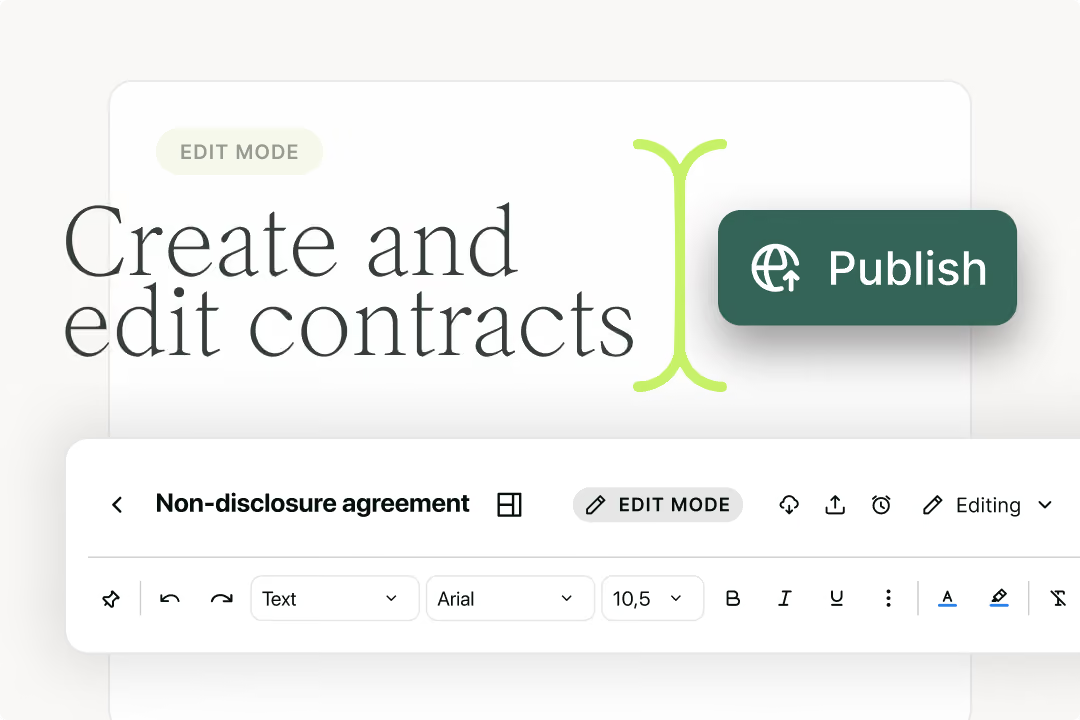
Dropbox Sign starts at the point when a contract is ready to sign. Juro starts when the contract needs to be created. Business teams self-serve from automated contract templates, fill conversational forms, and get contracts out the door, without pasting into Word or uploading PDFs. The contract is already living in the platform before it reaches the point of signing, benefitting from Juro's purpose-built contract editor.
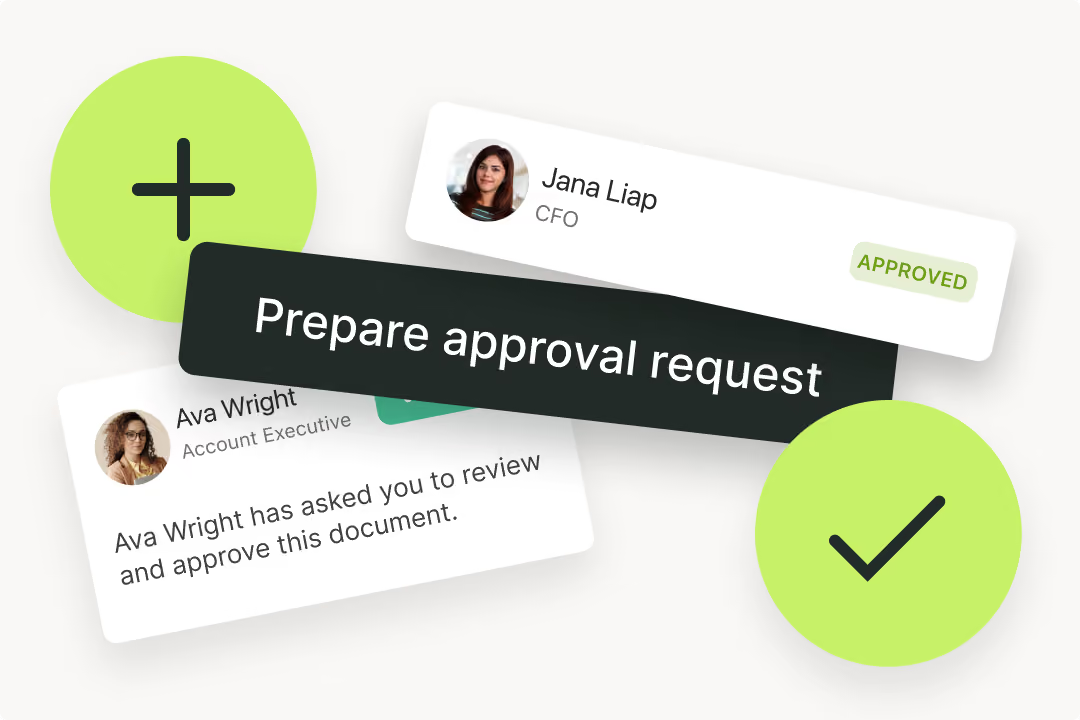
With Dropbox Sign, each contract is a separate upload. There is no concept of who approved it, what the internal review process was, or where it sits in your pipeline. Juro's approval workflows, conditional logic, and kanban dashboard give legal visibility and control over every in-flight contract, without making legal a bottleneck for every request. Juro is the only AI-native, end-to-end contract platform designed for all teams that touch contracts.
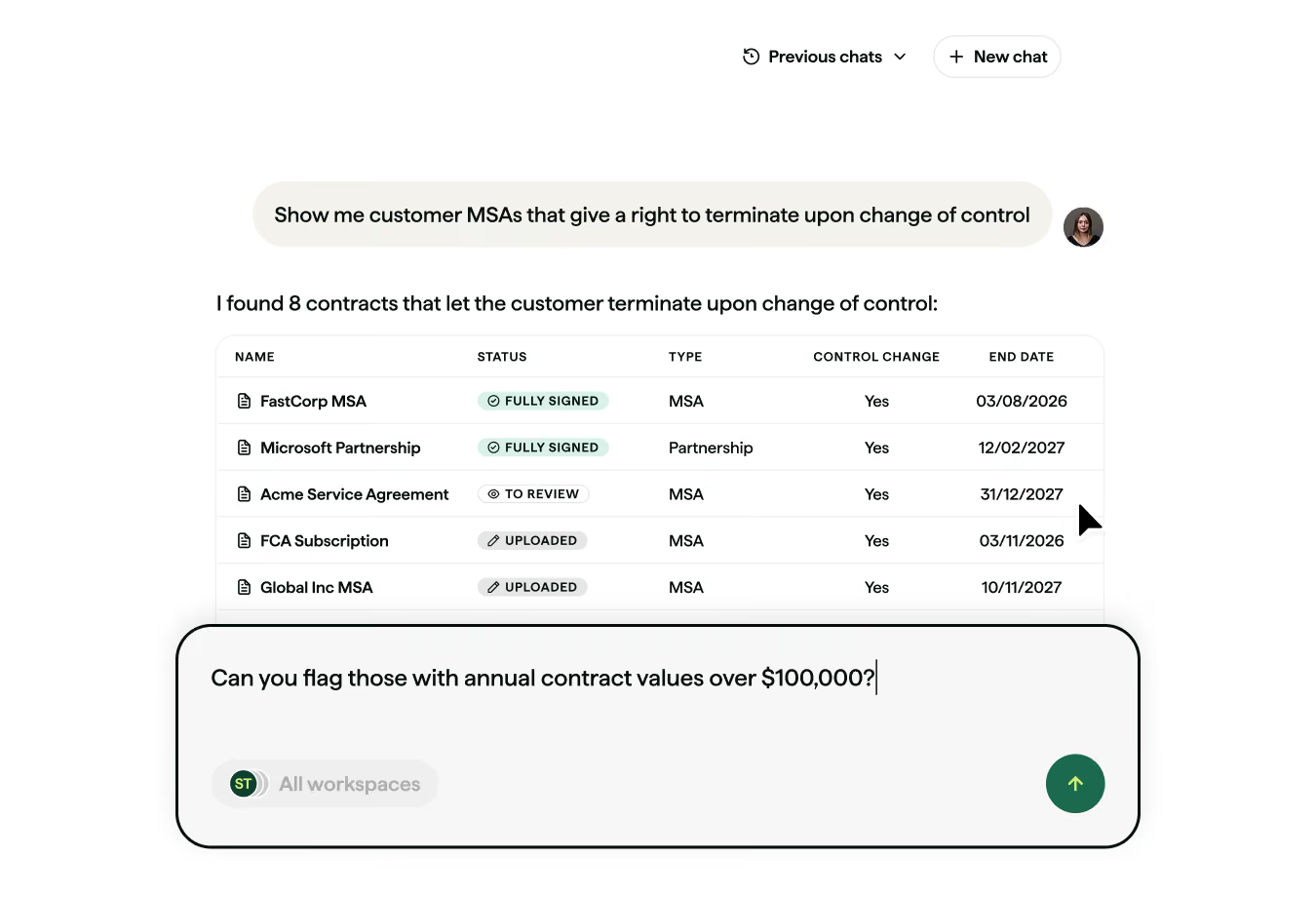
Dropbox Sign stores signed PDFs. Juro stores structured contract data. That means you can search across your entire contract portfolio, set automated reminders for renewals, extract key terms at scale with AI, and query your contracts at scale with Juro's Operator. Post-signature is where most of the value sits — and it's where Dropbox Sign stops.


.svg)
“Implementing Juro has revolutionized the way that my team manages contracts! Tasks that used to take 1-2 hours are now completed in a fraction of that time!”
“Using Juro as our CLM tool has changed the game for our legal team. Implementation was excellent. Each of our contract stakeholders (including counsel) has increased visibility into contract terms and status”
“One of the amazing things about Juro is that the sales team can self-serve and take a lot of the initial burden off of the legal team”
"As my daily work increased, Dropbox Sign began to feel a bit limited. It works fine for simple signatures, but when I had to handle multiple documents like consent forms, follow-ups, and client agreements, it was not always easy to manage everything in one place"
"Hellosign/Dropbox sign has poor email delivery. After sending a contract to sign many customers say they can't find the email in spam or anywhere in inbox. It's super frustrating. We end up sending a PDF for them to sign half the time after trying this tool"
"I have used this program for over a year. The older version worked well, but ever since the update that was installed a couple of months ago, there are so many glitches that are still unresolved"

Dropbox Sign is an eSignature tool. It lets you upload a document and send it to one or more parties for a legally binding signature. It does this very well.
Juro is a contract lifecycle management (CLM) platform. It covers every stage of the contract lifecycle — drafting, reviewing, negotiating, signing, storing, and extracting data from contracts — in a single platform.
Teams that only need to collect signatures on documents they've already created elsewhere will find Dropbox Sign sufficient. Teams that want to manage the entire process in one place typically choose Juro.
Dropbox Sign's Essentials plan starts at $15 per user per month (billed annually) and is designed for individual users.
The Standard plan requires a minimum of two users and adds team features, templates, and integrations.
A Premium plan covers enterprise needs including Salesforce, advanced branding, and admin controls. API access is priced separately based on volume and is not published publicly.
Pricing scales with users and features, which can limit business-wide adoption unless you're prepared to license at scale.
Teams typically look for a Dropbox Sign alternative for one of two reasons: they want a cheaper or simpler eSignature tool, or they've realised they need more than eSignature.
For the first, SignNow, Xodo Sign, and Adobe Acrobat Sign are worth evaluating.
For the second - where the gap is contract creation, workflow automation, or post-signature data - a CLM platform is the right category. Juro replaces both the signing tool and the broader contract stack, so teams aren't managing multiple vendors to handle one process.
Looking to compare more solutions? Check out these comparison pages:
Lorem ipsum dolor sit amet, consectetur adipiscing elit. Suspendisse varius enim in eros elementum tristique. Duis cursus, mi quis viverra ornare, eros dolor interdum nulla, ut commodo diam libero vitae erat. Aenean faucibus nibh et justo cursus id rutrum lorem imperdiet. Nunc ut sem vitae risus tristique posuere.



Hello. We are Juro Online Limited (known by humans as Juro). Here's a summary of how we protect your data and respect your privacy.


