


🇺🇸 22 Boston Wharf Rd, Boston, MA 02210
🇬🇧 2 Pear Tree Court, London EC1R 0DS
© 2026, Juro. All rights reserved.


🇺🇸 22 Boston Wharf Rd, Boston, MA 02210
🇬🇧 2 Pear Tree Court, London EC1R 0DS
© 2026, Juro. All rights reserved.

Looking for an illustrator contract template? Download this free version today.



"It takes the sales team four clicks to generate and approve a contract in Juro. We're saving 25 minutes per contract."
Read Paddle's customer story >

Chris McFalls,
Rev Ops
"With Juro, approvals take less than two hours, and most contracts are fully signed within a day of being sent"
Read Goldin’s customer story >

Kyle Piper,
Contracts Manager
"Everyone works out of Juro - it's the key tool we use to do our job"
Read ANC’s customer story >


Illustrator contracts are essential in ensuring clarity, compliance, and efficiency in professional engagements between illustrators and their clients.
This detailed guide delves into the intricacies of illustrator contracts, discussing their purpose, management, and key components. It also explores how Juro’s contract management platform can streamline the process used to manage these agreements for businesses of all sizes.
An illustrator contract is a formal agreement that outlines the terms and conditions of collaboration between an illustrator and a client.
This contract serves as a binding document, detailing the scope of the project, financial arrangements, rights to the artwork, and other pertinent terms. Its primary function is to safeguard the interests of both parties, ensuring that the illustrator delivers the agreed-upon work and the client fulfils their payment and contractual obligations.
An illustrator contract is essential for more than just listing terms; it plays a crucial role in ensuring a smooth and clear working relationship between the illustrator and the client. Here’s how:

By clearly defining these elements, an illustrator contract helps build a professional and transparent working relationship, reducing the risk of conflicts and misunderstandings.
Illustrator contracts are typically managed by several key parties to ensure that the agreement is fair, clear, and enforceable. Here’s a detailed look at who is involved in managing illustrator contracts:
Each of these parties plays a crucial role in managing illustrator contracts, ensuring that the agreement is clear, fair, and legally binding, and that both the illustrator and the client are protected throughout their working relationship.
Illustrator contracts are used in a variety of professional settings and scenarios, including:
Each of these scenarios demands clear terms and conditions to manage expectations and deliverables effectively, making illustrator contracts indispensable.

To ensure comprehensive coverage, an effective illustrator contract template should include the following elements:
Parties involved. Full legal names and contact information of the illustrator and the client.
Scope of work. Detailed description of the artwork to be produced, including size, format, colour specifications, and any other relevant artistic guidelines.
Timeline and milestones. Clear deadlines for initial drafts, revisions, and final submissions.
Compensation details. Payment amounts, schedules, invoicing instructions, and penalties for late payments.
Rights and licences. Specifics on the ownership of the final artwork, rights granted to the client, and any restrictions on the illustrator's use of the work for other purposes.
Confidentiality clauses. Provisions to protect any sensitive information shared during the collaboration.
Cancellation and termination conditions. Terms under which either party can terminate the contract, including notice periods and consequences for breach of contract.
Dispute resolution. Methods agreed upon for resolving conflicts, whether through mediation, arbitration, or legal action.
Managing illustrator contracts involves a straightforward process to ensure clear and enforceable agreements. Here’s how it typically works:

Juro can streamline this process by providing an AI-native contract management platform. Here’s how:
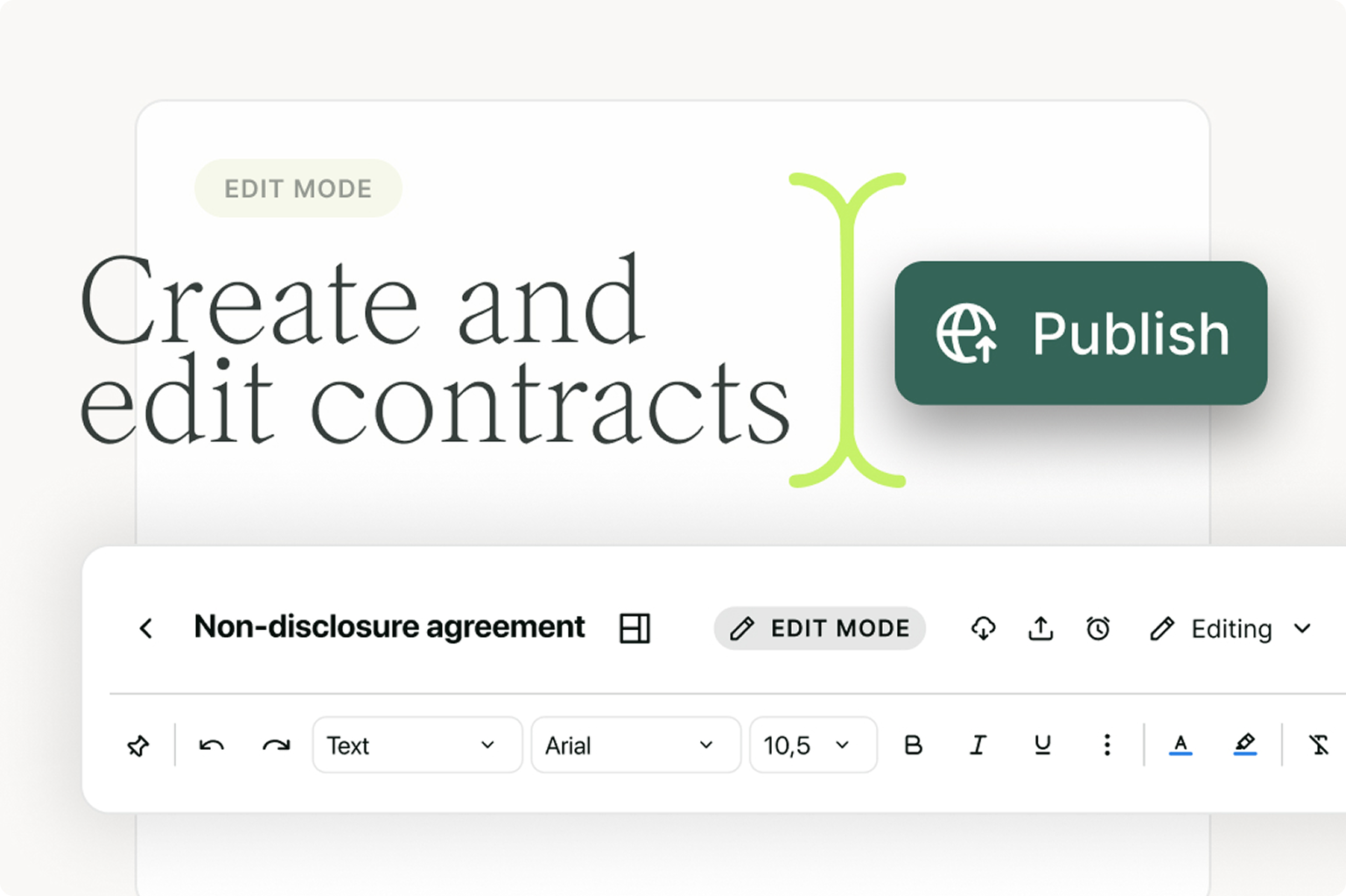
Juro’s platform simplifies drafting contracts with user-friendly templates and automation tools, reducing the time and effort needed to create detailed agreements.
Multiple parties can review and suggest changes in one browser-native workspace, making negotiation and approval quicker and more efficient.

Juro allows for secure electronic signatures, speeding up the signing process and ensuring all agreements are legally binding.
The platform provides tools to monitor contract compliance, track progress, and manage deadlines, ensuring both parties stay on track throughout the project.
Juro makes it easy to update contracts with amendments, keeping all changes documented and accessible.
With all contract details stored in one place, resolving disputes is more straightforward, as all terms and communications are easily accessible for reference.
Juro's AI-native contract automation platform empowers all teams to create, agree, execute and manage contracts up to 10x faster than traditional tools. To find out more, hit the button below to book your personalized demo.
An illustrator contract template is a reusable agreement for commissioning artwork from an illustrator. It records what the illustrator will create, when each stage is due, how much they're paid and what the client can do with the finished work.
Usually, yes. Without a written agreement, the illustrator normally keeps the copyright, so your right to use the image on packaging or in ads may be limited or unclear. A one-page contract that covers the fee and the usage rights is enough for most small jobs.
An art commission agreement usually covers a one-off artwork that the buyer wants to own and display, often for personal use. An illustrator contract is built for commercial work, so it focuses on how the client can reproduce and publish the images and for how long.
Ask for rights that match how you'll actually use the artwork, and set out where and for how long you can use it. Many illustrators license their work rather than selling the copyright outright, and they normally charge more for exclusive or unlimited use. If you need to own the copyright, for example for a logo, the contract should say so and include a written assignment.
Many illustrator contracts allow one or two rounds of revisions at each stage and charge extra for anything beyond that. A limit protects the illustrator from scope creep and gives the client a clear price for late changes. Agree what counts as a revision too, since a change of concept after sign-off is usually treated as new work.
It gives you a sound starting point, but you'll need to describe the artwork and adjust the usage rights for each project. For specific legal advice on your contract templates, consult an attorney.
Set up the template in Juro once, then create each illustrator contract from it, with the team commissioning the work adding the brief and the fee. If your standard position on usage rights changes, you edit that one template and every new contract picks it up. Signed contracts are stored in the same place, so you can search them for license periods and delivery dates.
Yes. Ask Operator, the AI drafting tool built into Juro, and it drafts a new contract template based on your existing contracts, including how you write and the positions you usually take on copyright and payment. The draft reflects your risk appetite, and your legal team approves it before anyone uses it.
Answer
Juro is the #1-rated contract platform for speed of implementation — connect your CRM, automate templates, and close deals without the paperwork.
Book a personalised demo

Hello. We are Juro Online Limited (known by humans as Juro). Here's a summary of how we protect your data and respect your privacy.